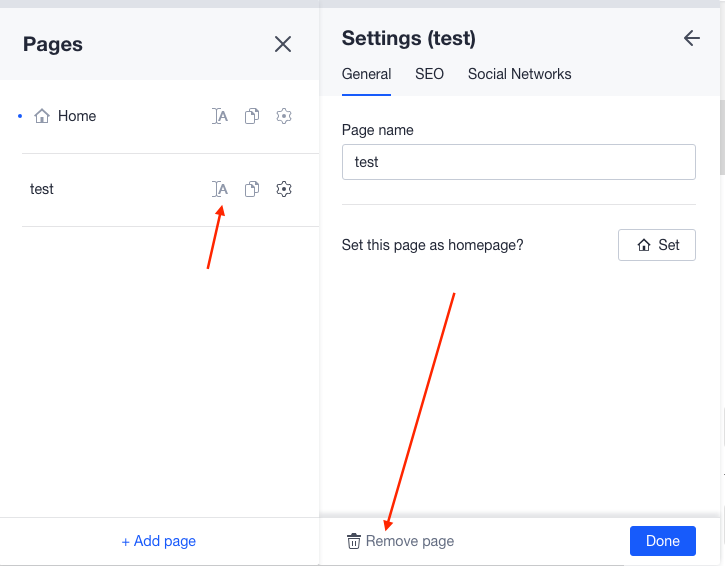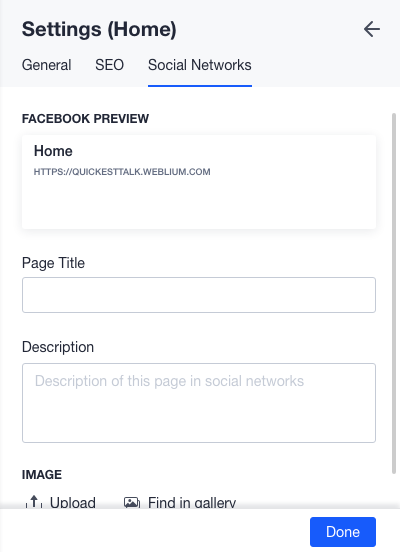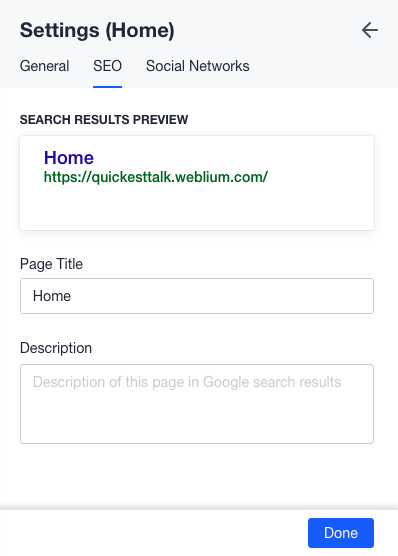
Near the name of the page, you can see 3 buttons. The first one is a wheel and when you click on it, you will see 3 tabs. General - here you can name your page, hide it from the menu, set as a homepage. In the tab SEO, you can edit how your page will look like in Google and the description of it. And in Social Network tab, you can configure how you link will look like in facebook preview, you can name it and add the image.