To upload images, you will need to add block with images, then click on the image and on the button with pictures. You can upload pictures from your computer by clicking on 'Browse files' in 'My images' section. By clicking on 'Free photos' you will access our free gallery with lots of images.
To rename the image, you need to click on the wheel icon after clicking on the image.
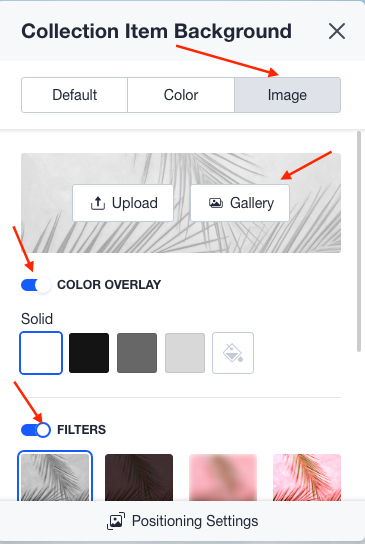
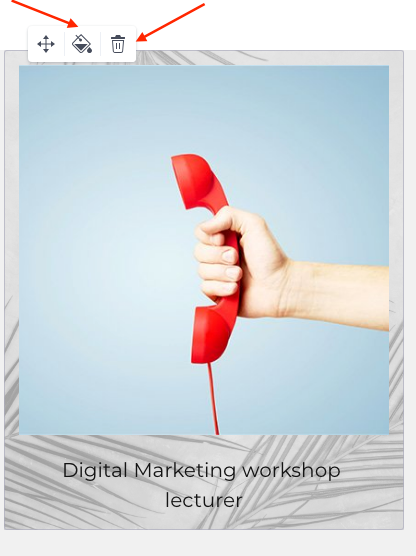
If you want to change the background, you will need to click on the 'Paint' button and choose a colour or image. When choosing an image, you will be able to use filters or colour overlay.